WordPress vs Blogger (2026): Which Is Better for Your Blog?
Blogger works for a free, simple journal that needs little upkeep. Self-hosted WordPress is a better fit if you want to grow a business, change hosts or add features. Moving later deserves planning: the current Blogger export did not work with the official WordPress importer in our test.
First, Which WordPress? WordPress.com vs Self-Hosted
Searchers mix these up all the time, and the difference matters for this comparison.
- Self-hosted WordPress (WordPress.org) is free software you install on a web host you pay for. You get full control, any theme, any plugin. This is what most people mean by “WordPress,” and it is what we used on our test install.
- WordPress.com is a hosted service run by Automattic. It works more like Blogger: they run the servers and you pick a plan.
WordPress.com plans as listed on its pricing page in October 2026 (yearly billing, first-year price, then renewal):
WordPress.com Free includes a subdomain, 1 GB storage and visitor-facing ads without plugin installation. Personal costs $4 monthly for the first year and renews at $5, adding 6 GB, plugins, no ads and a first-year domain.
Premium costs $8 initially, then $9, adding 13 GB, WordAds, Google Analytics and all premium themes. Business costs $25 initially, then $28, adding 50 GB, backups, staging, SFTP and priority support. These are hosted WordPress.com plans, distinct from installing free WordPress software yourself.
Monthly billing costs more: $9, $18 and $40 a month for Personal, Premium and Business. The pricing page lists paid subscribers and paid content on every plan, including Free.
WordPress.com Free is closest to Blogger, but it shows WordPress.com’s ads, while Blogger lets you run your own AdSense ads for free. Once you pay, self-hosted WordPress gives you the most freedom for similar money.
Cost: What Free Actually Buys You
Blogger is free. Google hosts the blog and gives you a blogspot.com address and an SSL certificate (the padlock in the browser). The only optional cost is a custom domain. Blogger’s help page tells you to buy it from a domain provider and connect it with two DNS records. (Blogger’s About page still mentions buying a domain in a few clicks, but that option went away after Google sold its domain business; Squarespace took over Google Domains registrations on September 7, 2023.)
Self-hosted WordPress costs money every month, but not much to start:
- Hosting: budget shared hosting starts around $3 a month on a long prepaid term. For example, Hostinger’s Premium plan is $2.99/month on a 48-month term and renews at $10.99/month, as of October 2026 (see our Hostinger review for the full price table). If you want someone else to handle speed and updates, our guide to managed WordPress hosting covers the next step up.
- Domain: a yearly fee to a registrar. Many hosts include the first year.
- Theme and plugins: free options cover a whole blog. Our test blog used only free ones.
A realistic first year on self-hosted WordPress is under $100 if you take a long hosting term. Blogger is $0. That gap is the main reason people still choose Blogger.
Ownership and the Risk of Google Changing Things
This is the biggest difference. On Blogger, Google sets the rules. Its content policy says that for violations it can delete posts or whole blogs and disable your Blogger or Google account. You cannot move a blogspot.com address to another service, so if you leave, your old links stay behind.
Google has also changed or removed Blogger features before:
- In February 2019, Blogger removed its Google+ widgets and Google+ comments when Google+ shut down. Google’s Blogger team wrote that comments posted as Google+ comments could not be migrated and would no longer appear.
- Since mid-2025, the “Back up content” button in Blogger sends you to Google Takeout, which delivers your posts and comments as a
feed.atomfile inside a zip. The old.xmlexport is gone. As you will see below, that change broke the official WordPress importer. - The official Blogger team blog has not posted since May 20, 2020.
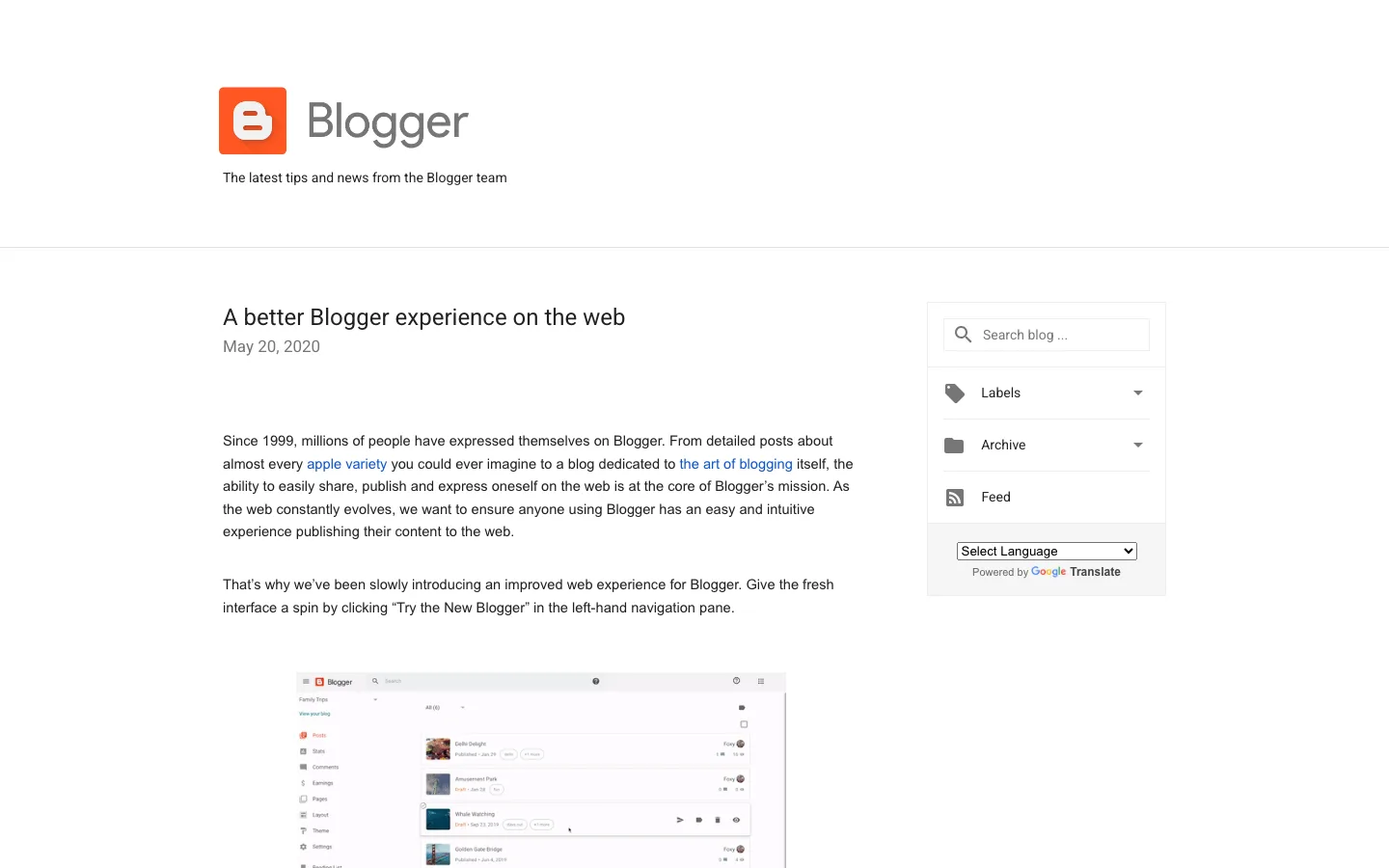
The official Blogger team blog, where the latest post is still from May 2020.
None of this means Google will close Blogger. It still works, and Google still updates the Help Center. But a quiet product with one owner is a risk if your blog becomes important to you.
With self-hosted WordPress, your files and database sit on a server you rent. If you fall out with your host, you move to another one with a tool like All-in-One WP Migration and keep your domain and URLs.
Ease of Use

Blogger’s public home page.
Blogger is easier on day one. You sign in with a Google account, pick a name, address and theme, and start writing. There is nothing to install or update, and Google handles security.
WordPress asks for more setup. On our test install we picked a theme, installed an SEO plugin, created three categories, set up readable post URLs and added five posts with images. None of it was hard, but it is a list of decisions Blogger never asks you to make. Most hosts offer a one-click WordPress install, which removes the hardest part.
After setup, writing feels similar in both. WordPress’s block editor is more flexible for layouts and embeds, but you, or your host, must keep WordPress, the theme and plugins updated.
Design and Themes
Blogger offers a small set of built-in themes. The Help Center explains that you can change colors, fonts, backgrounds and column widths in a theme designer, add gadgets to the layout, or edit the theme’s HTML and add custom CSS. Third-party Blogger templates exist, but you install them by pasting theme code, and Google’s help page notes that authors who add third-party code do so at their own risk.
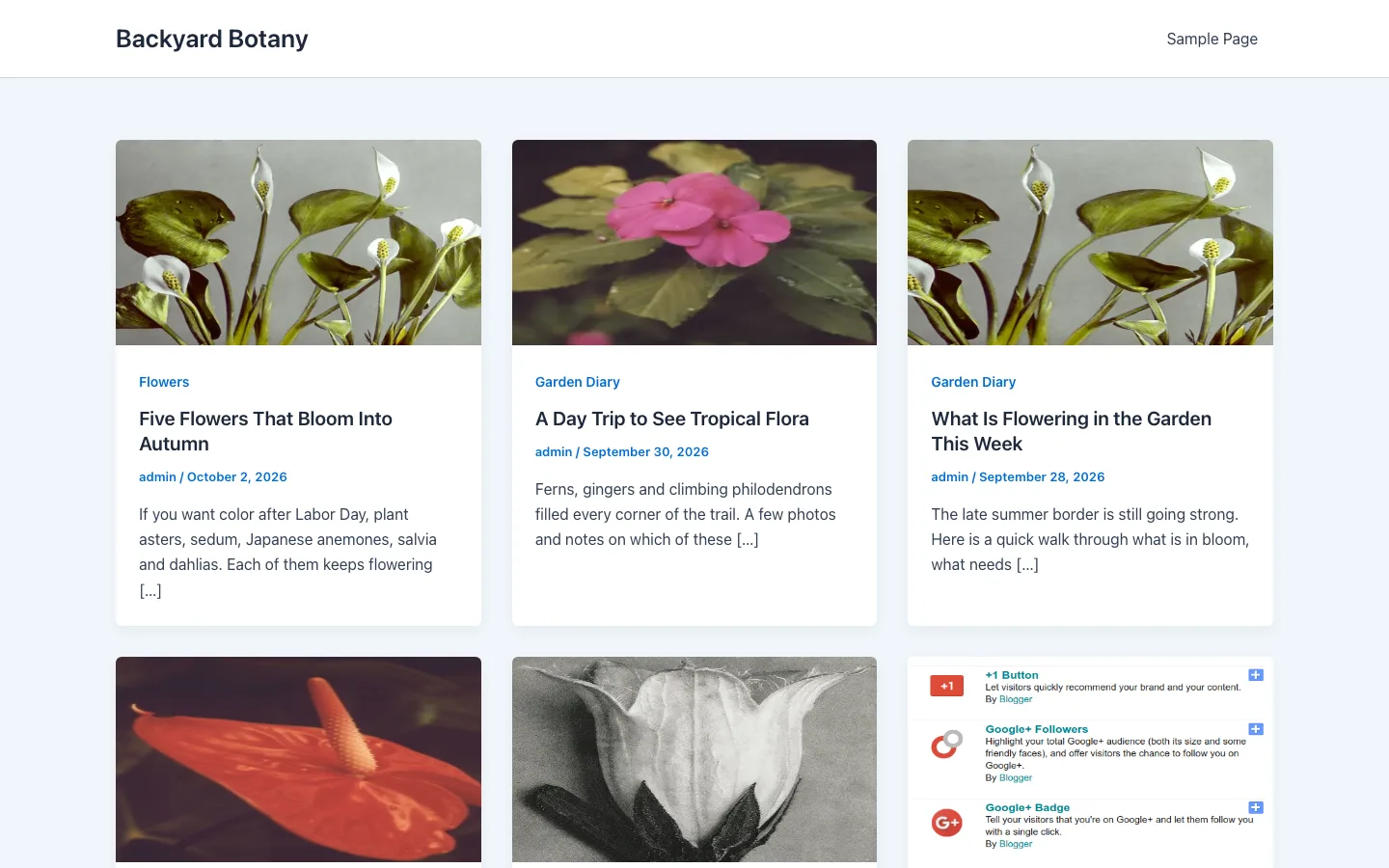
WordPress has thousands of themes. Lightweight free themes like Astra, GeneratePress and Kadence suit blogs well, and each has a paid version if you need more. On our test install, the free Astra theme installed in seconds and gave the blog the card layout shown at the top of this page with its default settings, no code needed. If you also compare hosted site builders, our WordPress vs Squarespace and Wix vs WordPress comparisons look at design freedom on those platforms.
Plugins and Features
This is where Blogger falls furthest behind. Blogger has no plugins. You get Google’s gadgets (such as an archive, a labels list, your profile and AdSense ads), plus an HTML/JavaScript gadget for pasting code from other services.
Self-hosted WordPress has more than 60,000 plugins. For a blog, the useful ones cover SEO, email signup forms, contact forms, spam protection, backups, and later memberships, courses or a store.
Blogger does have useful built-in extras: private blogs with invited readers only, posting by email, built-in stats and a Google Analytics connection. If you want a private family journal, that reader-access setting is genuinely handy.
SEO Controls
Both platforms can rank in Google, and content quality matters more than the platform. The difference is how much control you get.
Blogger covers the basics. In Settings you can turn on a search description (meta description), set custom robots tags and a custom robots.txt file, add custom redirects and a custom 404 page, and connect Google Search Console. In posts you can set a custom permalink, add image alt text and mark links nofollow.
WordPress gives you all of that and more through plugins. On our test install, Yoast SEO 28.6 installed in seconds, added a sidebar to the post editor with a focus keyphrase, search appearance settings (SEO title and meta description) and readability checks, and generated an XML sitemap at /sitemap_index.xml straight away. Yoast and Rank Math also handle schema markup and breadcrumbs. Our Rank Math vs Yoast comparison explains which one fits which kind of site.
Making Money: AdSense vs Everything Else
Blogger is built around Google AdSense. You sign up from the Earnings tab, then place ads between posts or in the sidebar with the AdSense gadget. You can also paste ad code from other networks into an HTML gadget, and set a custom ads.txt file. To use AdSense you must be 18 or older and follow AdSense policies, and Blogger does not allow ads on blogs marked adult. Affiliate links work in any post. That is about the limit: no built-in memberships, paid newsletters, courses or store.
WordPress lets you combine several income streams on one site:
- Display ads from AdSense or any ad network that accepts your traffic.
- Affiliate links, with link management plugins such as ThirstyAffiliates.
- Memberships and paid content with plugins like MemberPress.
- Online courses, digital downloads and physical products.
- Sponsored posts and email newsletters you own.
If earning money is part of the plan, even a small part, this point alone tips the decision to WordPress. If paid newsletters are the main plan, also read our Ghost vs WordPress comparison.
Support and Security
Blogger has no direct human support. You get the Blogger Help Center and the Blogger Help Community, where volunteer Product Experts answer questions. Security is Google’s job, which is a real plus for non-technical writers.
Self-hosted WordPress support comes from your host, theme and plugin vendors, and the WordPress.org forums. Security is shared: your host protects the server, and you keep WordPress and plugins updated.
Moving from Blogger to WordPress
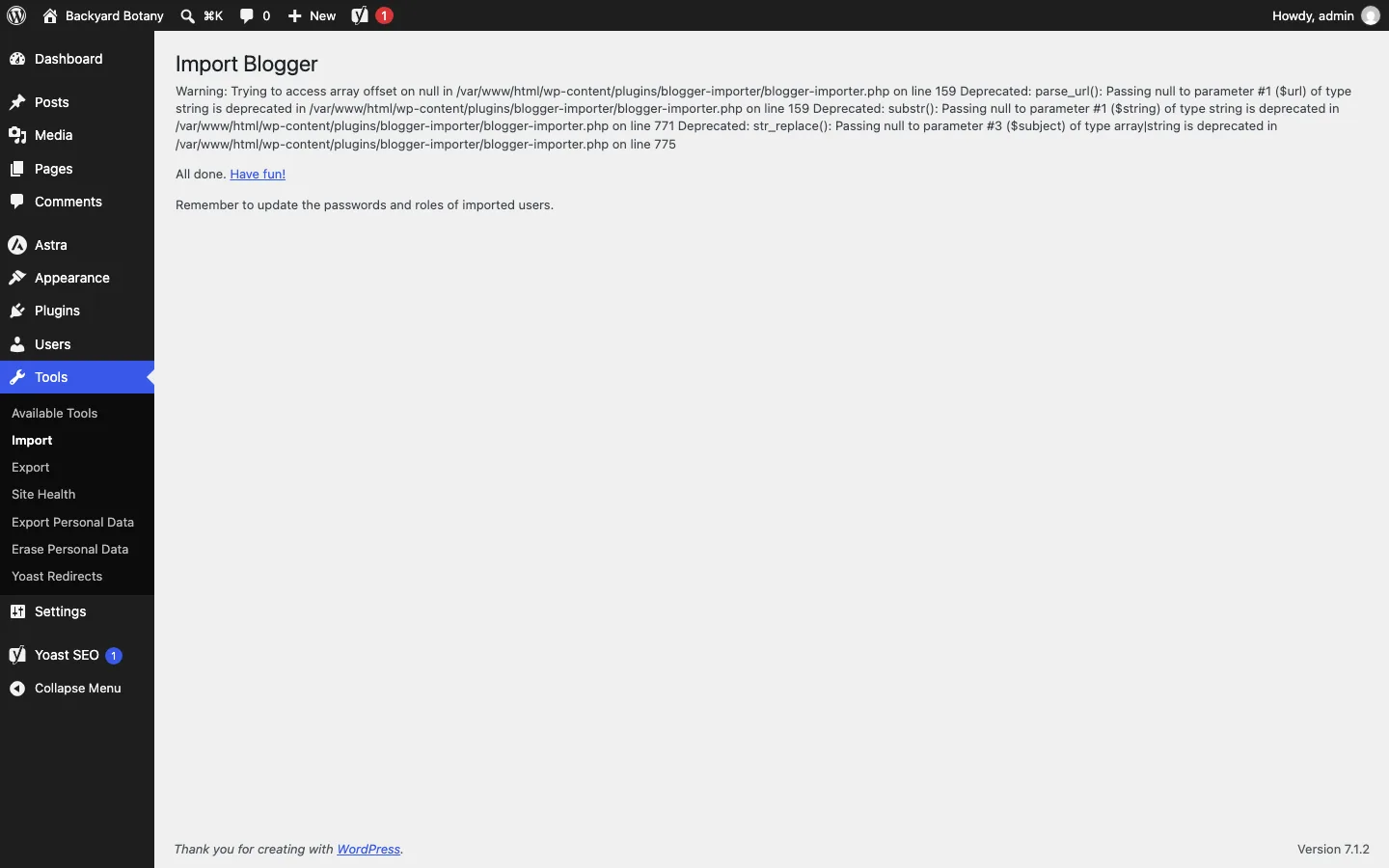
The official Blogger Importer worked with our synthetic classic-format XML export, transferring posts, a comment and labels. With a synthetic file in the current Takeout format, it imported nothing while still reporting completion. Both runs emitted warnings. This was a format test using sample files, not an export from a Blogger account we operated.
The newer BtW Importer handled the Takeout sample’s posts, categories and image, and created redirects from the old paths. It did not import the comment. Its smaller user base makes a backup and careful content check especially important.
Expect to recreate pages, widgets and design whichever route you choose. Check inline image addresses as well as the Media Library: the official importer downloaded an image but left the post pointing to Google. It also did not create redirects. A custom domain can move to your new host; a Blogspot address stays with Google. Keep Blogger available until you have checked the imported content, images and old URLs.