Avada Theme Review
Avada suits freelancers and agencies who want a large design library and a visual builder in one theme. It can handle many kinds of sites, but its breadth brings a learning curve and more weight than a simple theme.
What is the Avada Theme About?
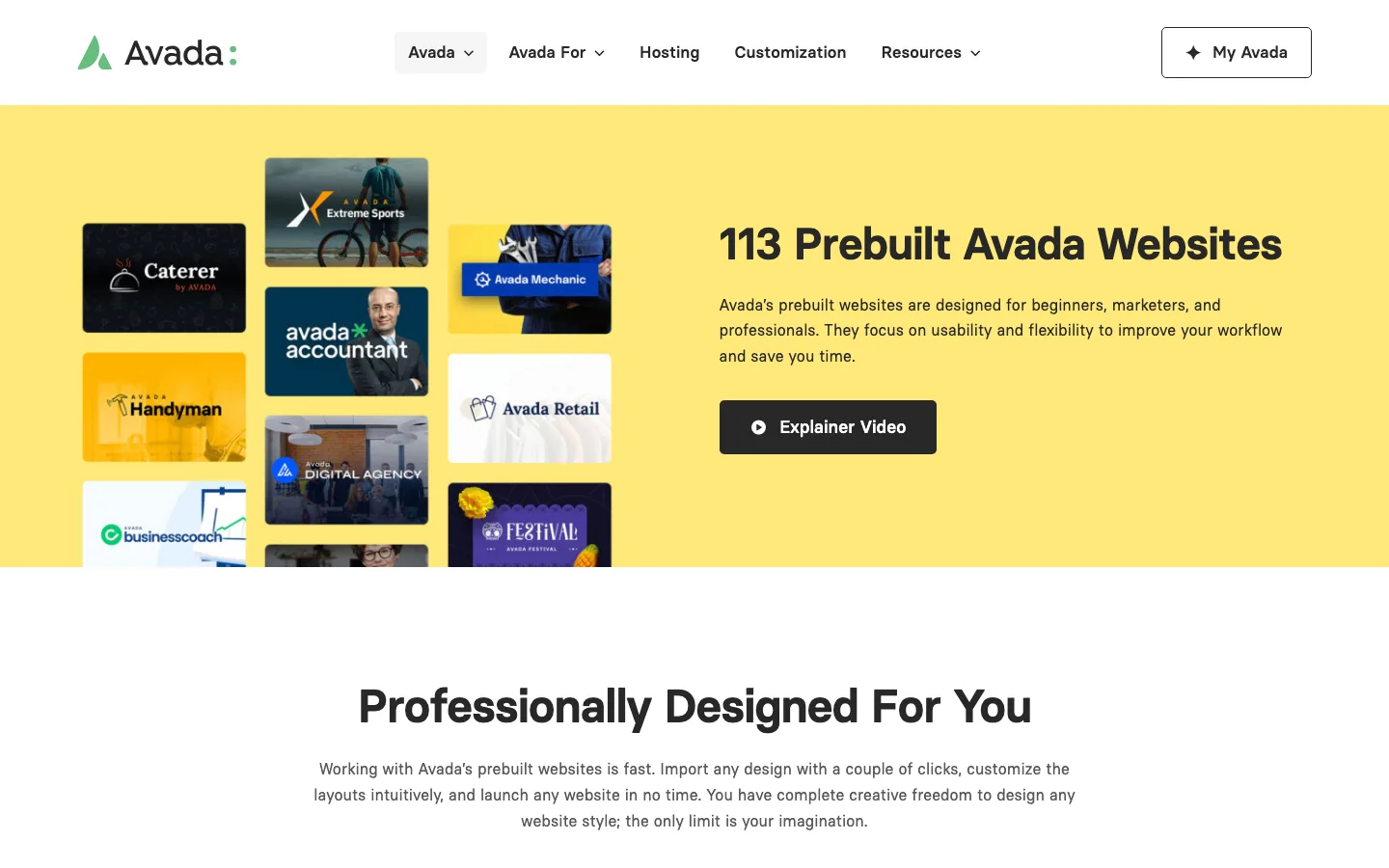
The prebuilt websites page on avada.com.
Avada has sold more than 1,000,000 licenses since it launched in 2012, and ThemeForest still lists it as the top-selling website builder theme for WordPress and WooCommerce.
It’s a multipurpose theme, meaning the same codebase can power an e-commerce store, a law firm site, a restaurant, or a portfolio. ThemeFusion backs that positioning with more than 100 prebuilt demos, each with its own import package for WooCommerce, bbPress, and other common plugins.
Comparing Avada with other multipurpose themes like BeTheme or Enfold is still useful, since both compete on the same “one theme for everything” pitch. Avada’s edge is scale: more demos, more builder elements, and a much larger user base behind the ecosystem.
Avada Theme Review
Avada is built around the Avada Builder, including a Live Editor front-end view and a Theme Builder for custom layouts covering headers, footers, archives, 404 pages, search results, and single post or product templates.
Recent versions have shifted focus from adding more decorative elements toward filling gaps for WooCommerce stores: AJAX-driven product filtering and sorting, dedicated category and brand filter elements, and collapsible filter panels that update without a page reload.
Avada also added native Google Consent Mode v2 support, so site owners can manage cookie categories and consent state without leaning on a separate consent-management plugin.
Design and Style
The Avada Builder still works the way it always has: drag elements onto a page, configure them in a side panel, and preview changes live. That workflow hasn’t changed much since 2020, and it remains one of Avada’s stronger selling points for non-developers.
Support for third-party plugins like WooCommerce, HubSpot, and Gravity Forms is built in, so tools you already use generally slot into Avada layouts without much extra configuration.
The lightbox (iLightBox), video backgrounds, hover effects (zoom, lift), and image border styling from earlier versions are all still part of the current release.
Theme Features
Performance
Avada has a reputation for being one of the heavier multipurpose themes, since it ships with a large builder framework and hundreds of design options. If page speed is a priority, lighter theme frameworks like Divi are worth comparing directly on your own hosting rather than trusting any vendor’s marketing numbers, Avada’s included. See our full Avada vs Enfold comparison for a side-by-side look at how the two handle performance and design differently.
ThemeFusion has added performance controls over the years, including options to disable unused elements and control what loads on each page, which can meaningfully cut load times if you take the time to configure them.
Avada receives regular security patches. The July 2026 update (7.15.6), for example, fixed an XSS issue in builder element names that could have let Contributor-level users store JavaScript. Keeping the theme updated matters more than picking a theme that markets itself as secure by default.
SEO Friendliness
Avada doesn’t include its own SEO plugin, but it plays well with Yoast SEO and other SEO plugins, and its markup doesn’t get in the way of standard on-page optimization work.
Additional Features for Avada Theme
Mobile Visibility Settings
Avada Builder elements can be shown or hidden per breakpoint (desktop, tablet, phone). It’s a standard feature across builders now, but still useful for trimming down what loads on mobile.
Custom Icons
You can upload your own icon sets rather than relying only on the bundled icon fonts.
Privacy and Consent Tools
GDPR-oriented settings cover Google Fonts loading, third-party embeds, a privacy banner, tracking consent, and contact form permissions, now backed by Google Consent Mode v2.
Support and Documentation
ThemeFusion maintains an extensive documentation library and video tutorials covering setup, the builder, and troubleshooting. Support is included with your purchase for 6 months and can be extended for an additional fee.
Avada Pricing
Avada costs $69 for a Regular License on ThemeForest, covering one website with 6 months of support. You can pay extra to extend support to 12 months. Theme updates are included for the lifetime of the license, and an Extended License is available separately if you plan to resell a product built with the theme.
Avada One
In May 2026, ThemeFusion announced Avada One, a new product that will be sold as a subscription on avada.com, and its beta opened in September 2026. It will include AI tools for images and text, a new dashboard and a new color system. ThemeFusion says it will announce the price closer to launch. The ThemeForest version reviewed here is now called Avada Classic, and ThemeFusion says it stays a one-time purchase that will keep getting updates and security fixes. Moving an existing site to Avada One needs a migration plugin and some manual work.